
Video Tutorials
Step-by-step video guides to help you master every feature of the platform
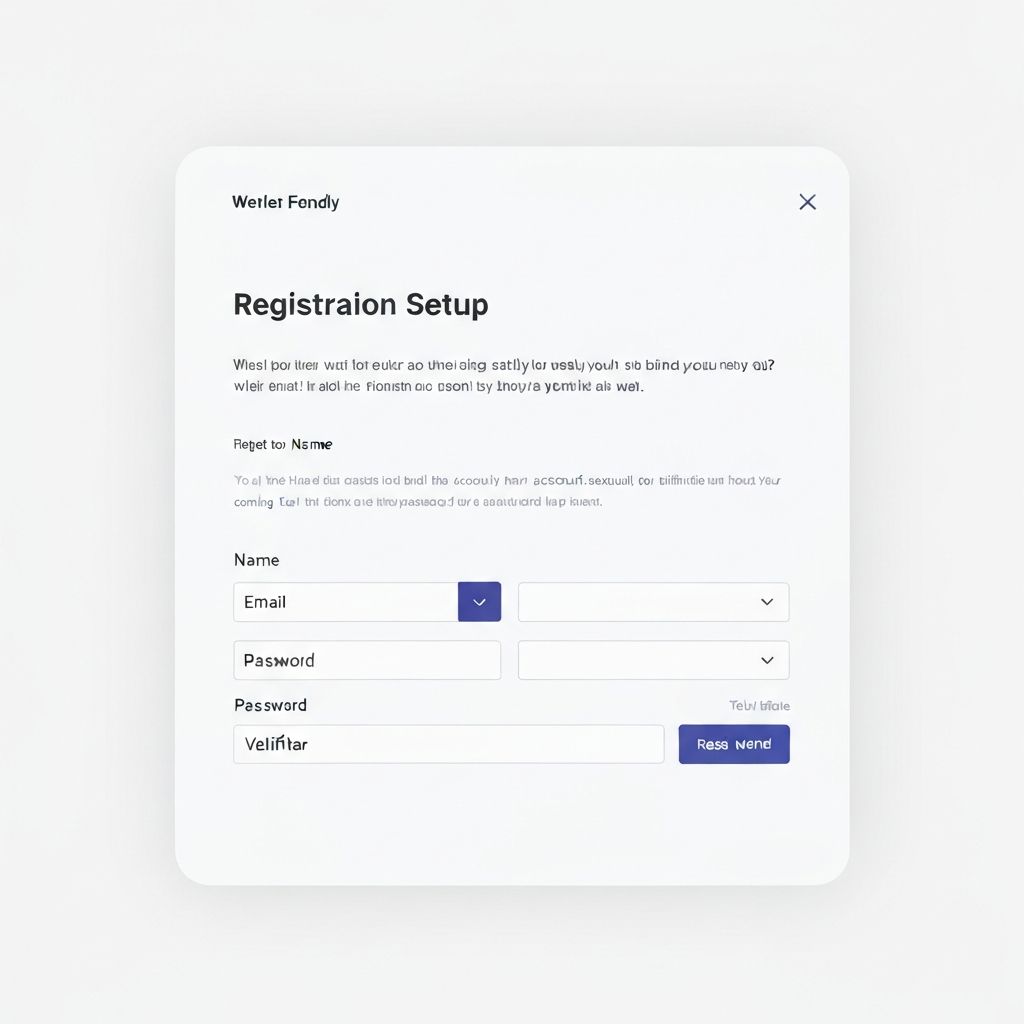
Learn how to register your account, select your currency, apply promo codes, and complete your initial setup with bank accounts and suppliers.
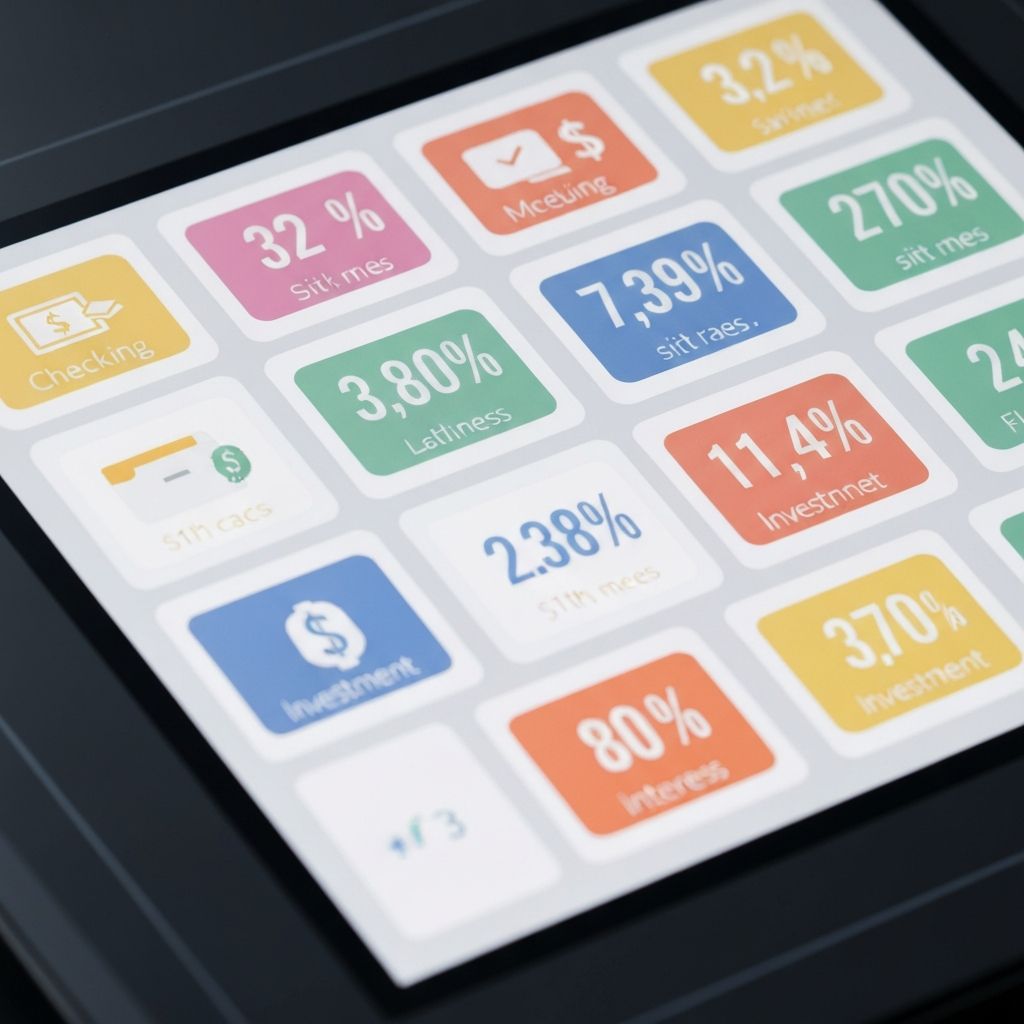
Add your bank accounts, set initial balances, and understand how the system tracks your cash flow across multiple accounts.

Create supplier profiles, organize them by category, and set up contact information for easy reference.

Configure automatic payment schedules with daily, weekly, monthly, quarterly, and yearly frequencies. Learn how the system forecasts future payments.

Master the 100-month projection system. View detailed transactions, monthly summaries, and overall forecasts to plan your cash flow.
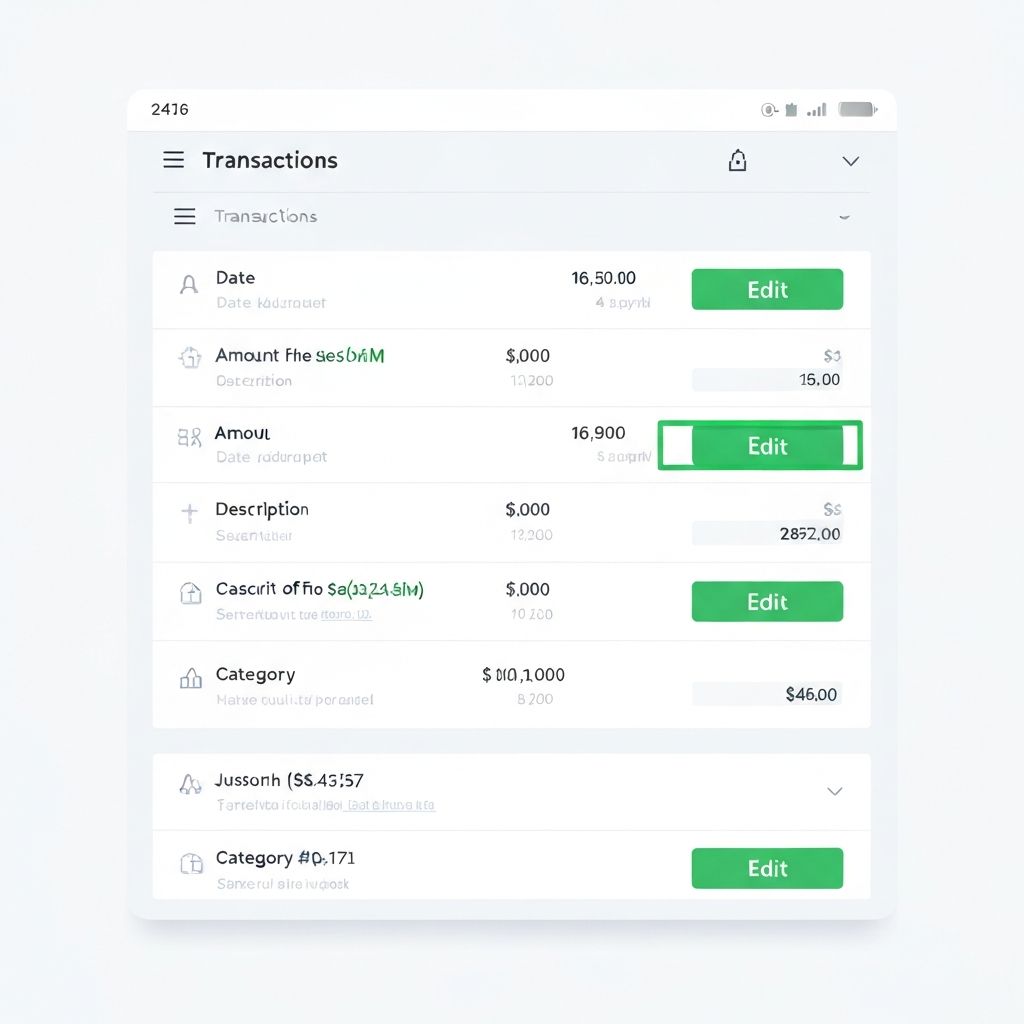
Modify transaction amounts for current and next month when actual invoices differ from recurring estimates.
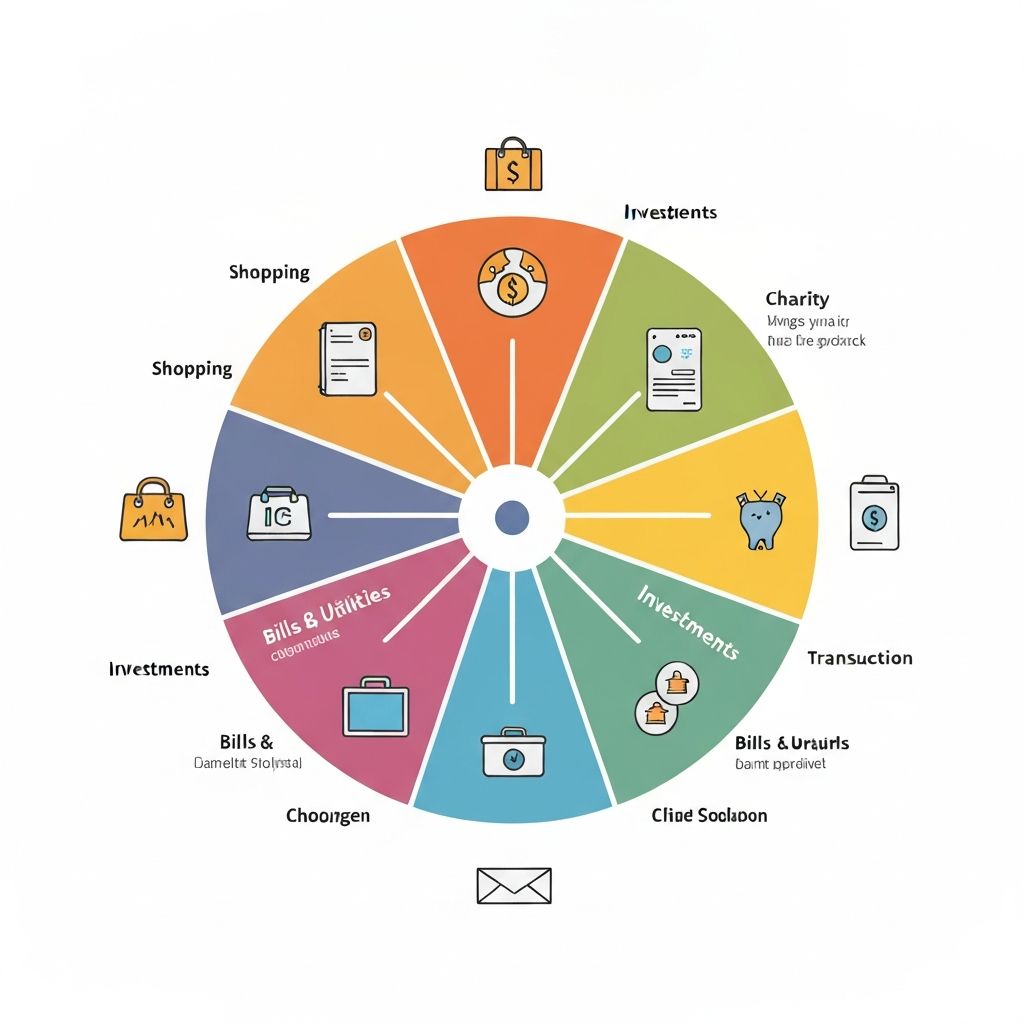
Categorize your spending with transaction reasons. Learn how the system learns from your entries and powers the analytics dashboard.

Explore spending patterns, identify cost optimization opportunities, and generate reports to understand your financial health.
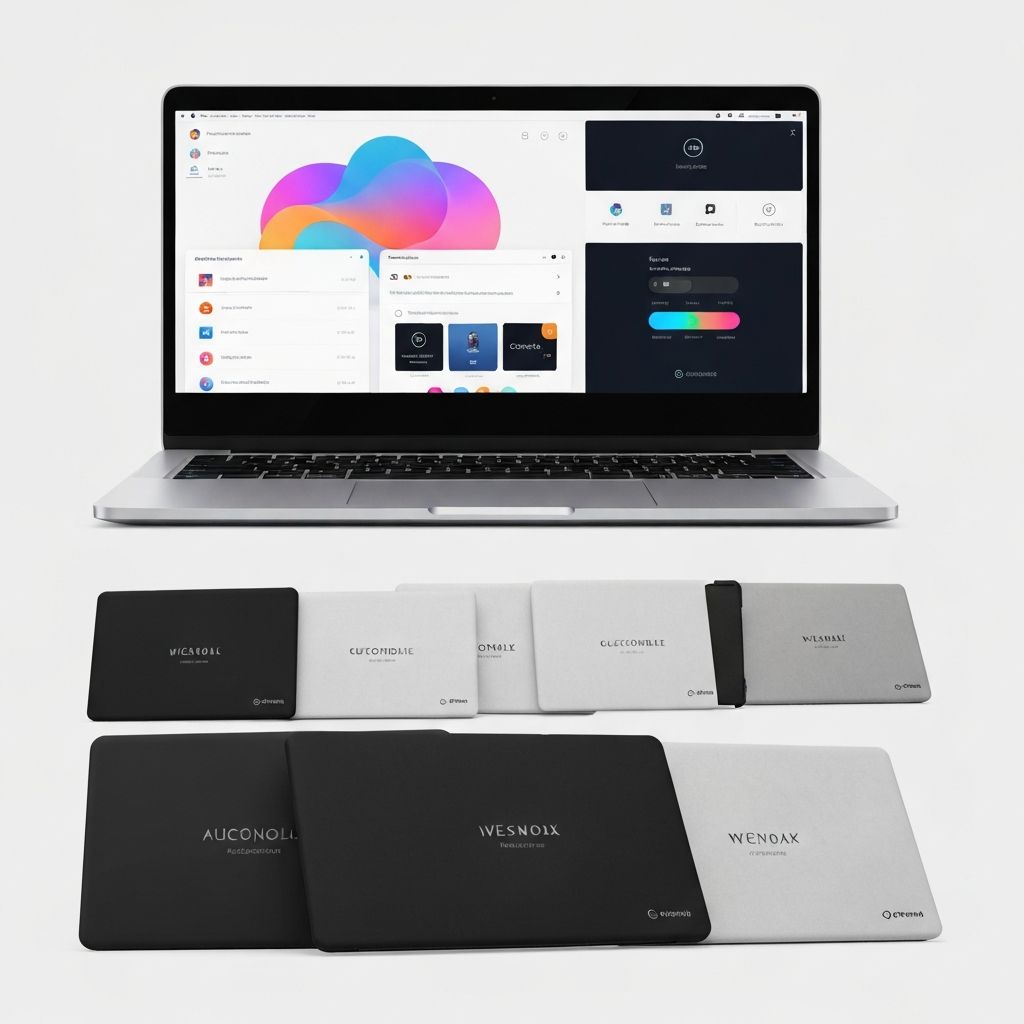
Upload your organization logo, set primary and secondary brand colors, and customize the appearance of your dashboard.
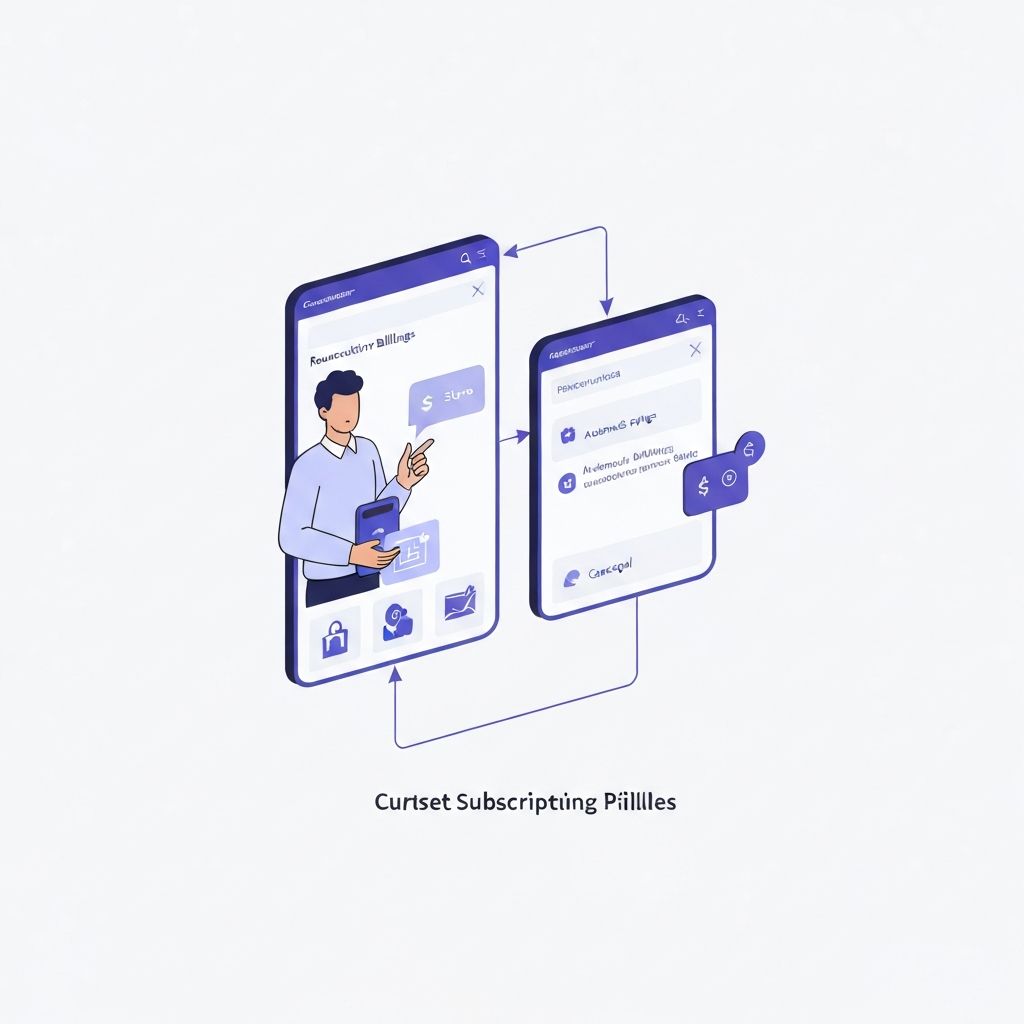
Change your subscription plan, update payment methods, apply promo codes, and manage billing preferences.
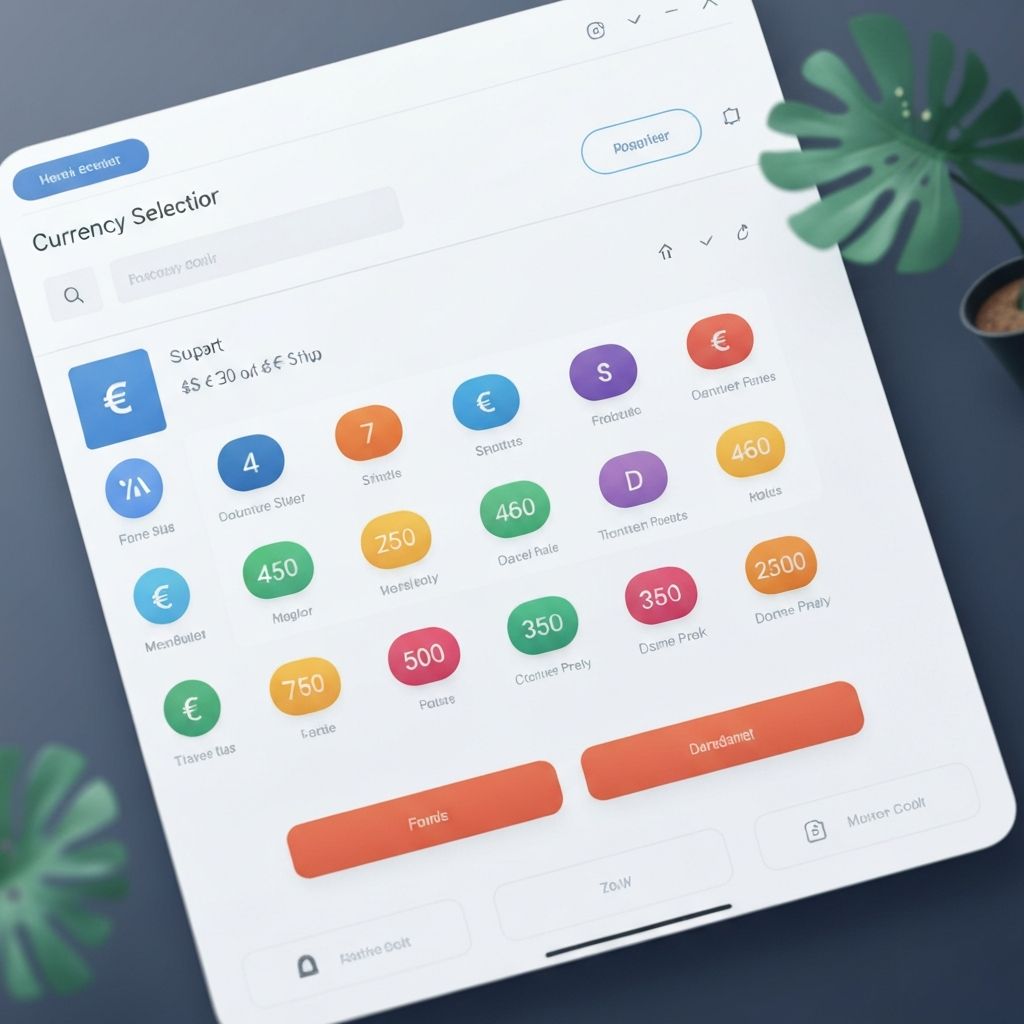
Switch between AUD, CAD, EUR, and GBP. Understand how currency conversion affects your projections and billing.
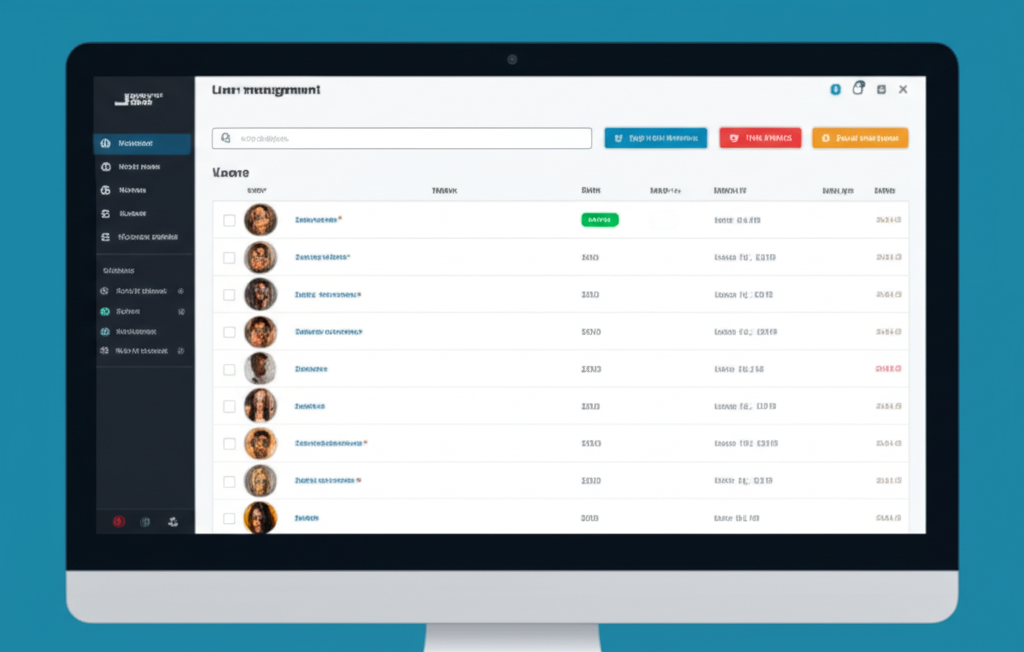
Add new users, assign roles, manage permissions, reset passwords, and monitor user activity through audit logs.

Enable SMS-based 2FA for enhanced security. Update your phone number and troubleshoot common 2FA issues.
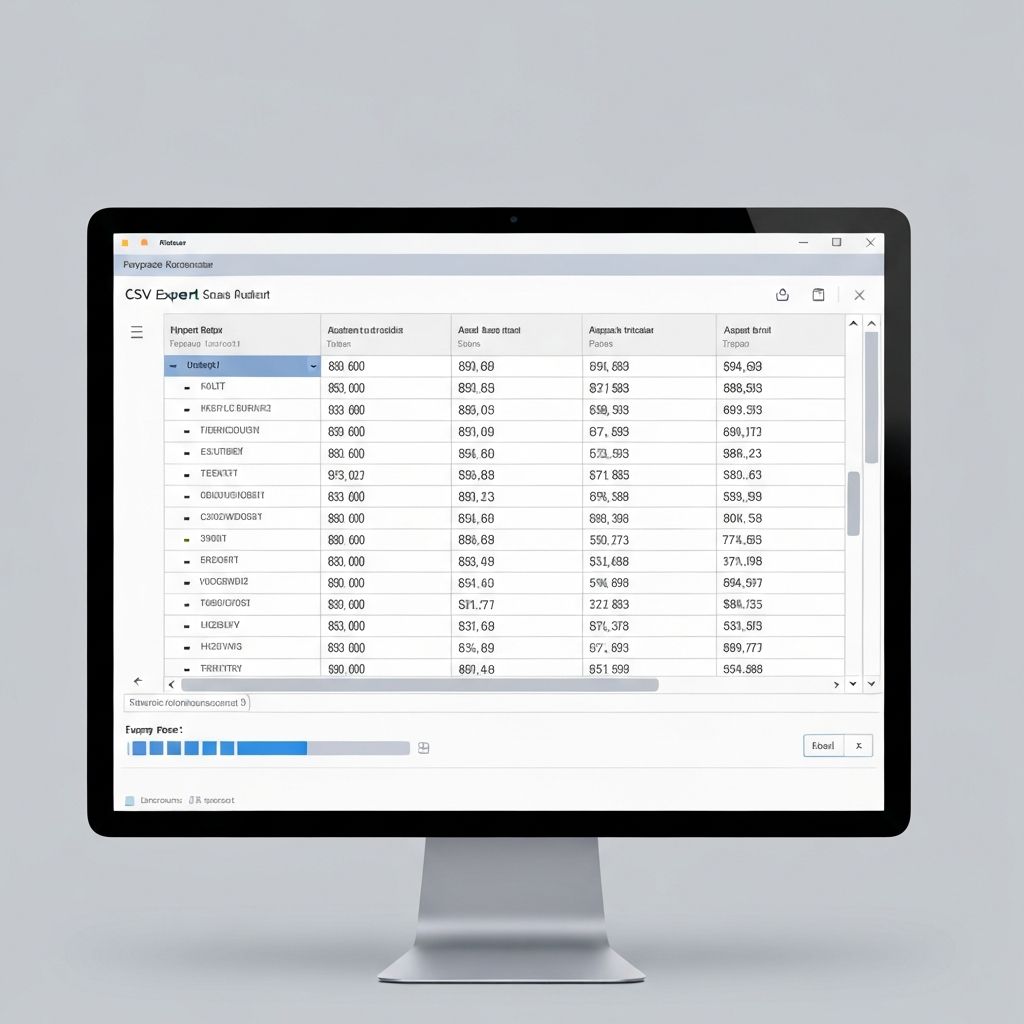
Export transactions, projections, and reports to CSV format for use in Excel, Google Sheets, or other analysis tools.
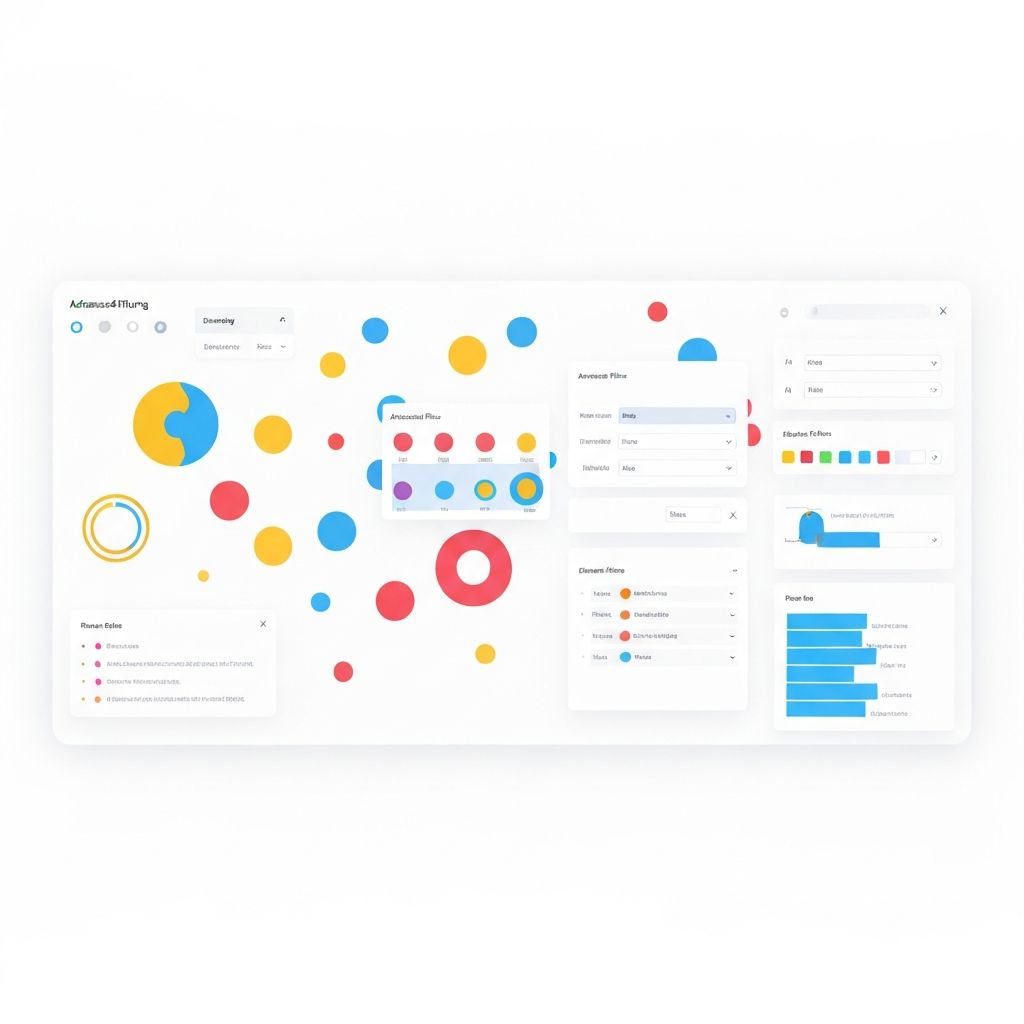
Use Query By Example (QBE) rows, multi-column sorting, and advanced filters to find exactly what you need in large datasets.
Can't find what you're looking for?
Request a custom tutorial or contact our support team for personalized help